
Zoom
Create and manage Zoom meetings from a workflow.
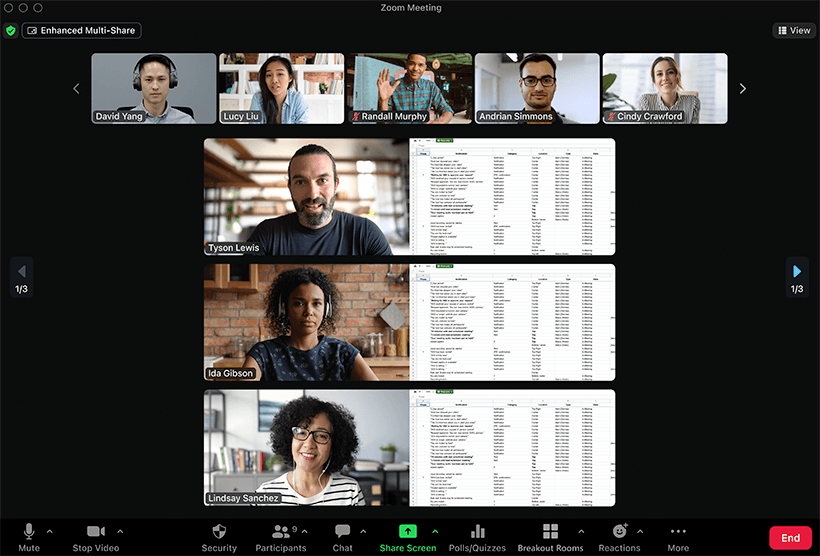
Add Zoom actions to your InvGate Service Management workflows
The Zoom built-in action connector covers the meeting lifecycle as workflow steps: create a meeting, edit it, or delete it. Authentication uses Server-to-Server OAuth on the Zoom side, configured once as a Global Credential.
Why you should connect Zoom to your workflows
Interviews, kickoffs, and escalation calls all need a meeting that someone currently creates by hand and then pastes into the request. Making it a workflow step means the meeting is scheduled when the process reaches that point, the link is attached to the request, and a rescheduled or cancelled request updates its own meeting instead of leaving a dead link behind.
Benefits of integrating InvGate Service Management with Zoom
Zoom actions live in the Integrations section of the workflow editor and are available on Pro plans and above. The connector requires Server-to-Server OAuth, set up once and reused across every Zoom action in the workflow.
Meetings scheduled by the process
The workflow creates the meeting at the right stage, so nothing waits on an agent setting one up and sharing the link.
Changes that keep up
Edit and delete sit alongside create, so a rescheduled or cancelled request updates its meeting rather than leaving a stale invite.
One credential, once
Server-to-Server OAuth is configured a single time in Global Credentials and reused by every Zoom action in the workflow.
Check out InvGate as your ITSM and ITAM solution
30-day free trial - No credit card needed
Clear pricing
No surprises, no hidden fees — just clear, upfront pricing that fits your needs.
Easy migration
Our team ensures your transition to InvGate is fast, smooth, and hassle-free.