Zendesk
See incident history without switching systems.
InvGate Asset Management + Zendesk
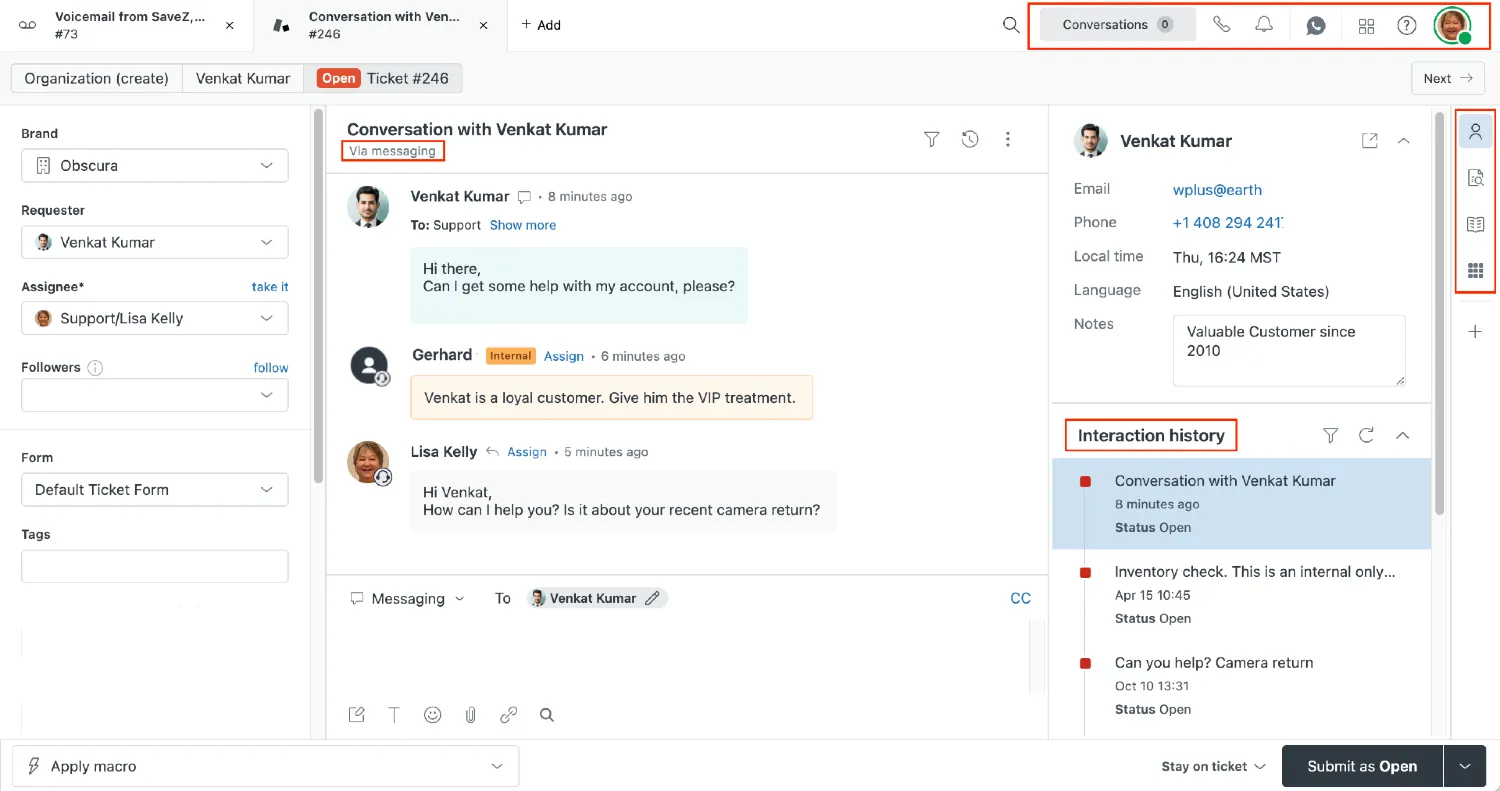
What is Zendesk?
When your team uses Zendesk for support and InvGate Asset Management for assets, ticket history and asset records stay disconnected. IT admins can't see how many support issues a device has generated. Help desk agents repeat diagnostics because they lack asset context. This integration automatically links your Zendesk tickets to asset records, so you get the full incident picture without switching systems.
Key Features
- Automatic Ticket Linking: Match support tickets to assets using a custom Zendesk field (serial number, IMEI, or your own identifier)
- Ticket Counters: View open and closed ticket counts directly in your asset explorer table
- Asset Profile View: See ticket details (ID, title, priority) and direct links to Zendesk for each asset
- One Way Sync: Pull ticket data hourly with on demand refresh at the asset level
- No Code Setup: Configure in minutes with your Zendesk instance URL and API credentials
How to connect InvGate Service Management to Zendesk?
Your support and asset teams already use these tools. This integration removes friction so you get the context you need for faster replacements, escalations, and audits without forcing a full platform switch.
To see all the possible integrations, click here.
Check out InvGate as your ITSM and ITAM solution
30-day free trial - No credit card needed
Clear pricing
No surprises, no hidden fees — just clear, upfront pricing that fits your needs.
Easy migration
Our team ensures your transition to InvGate is fast, smooth, and hassle-free.