Tenable
Act on vulnerability findings inside a workflow.
Add Tenable actions to your InvGate Service Management workflows
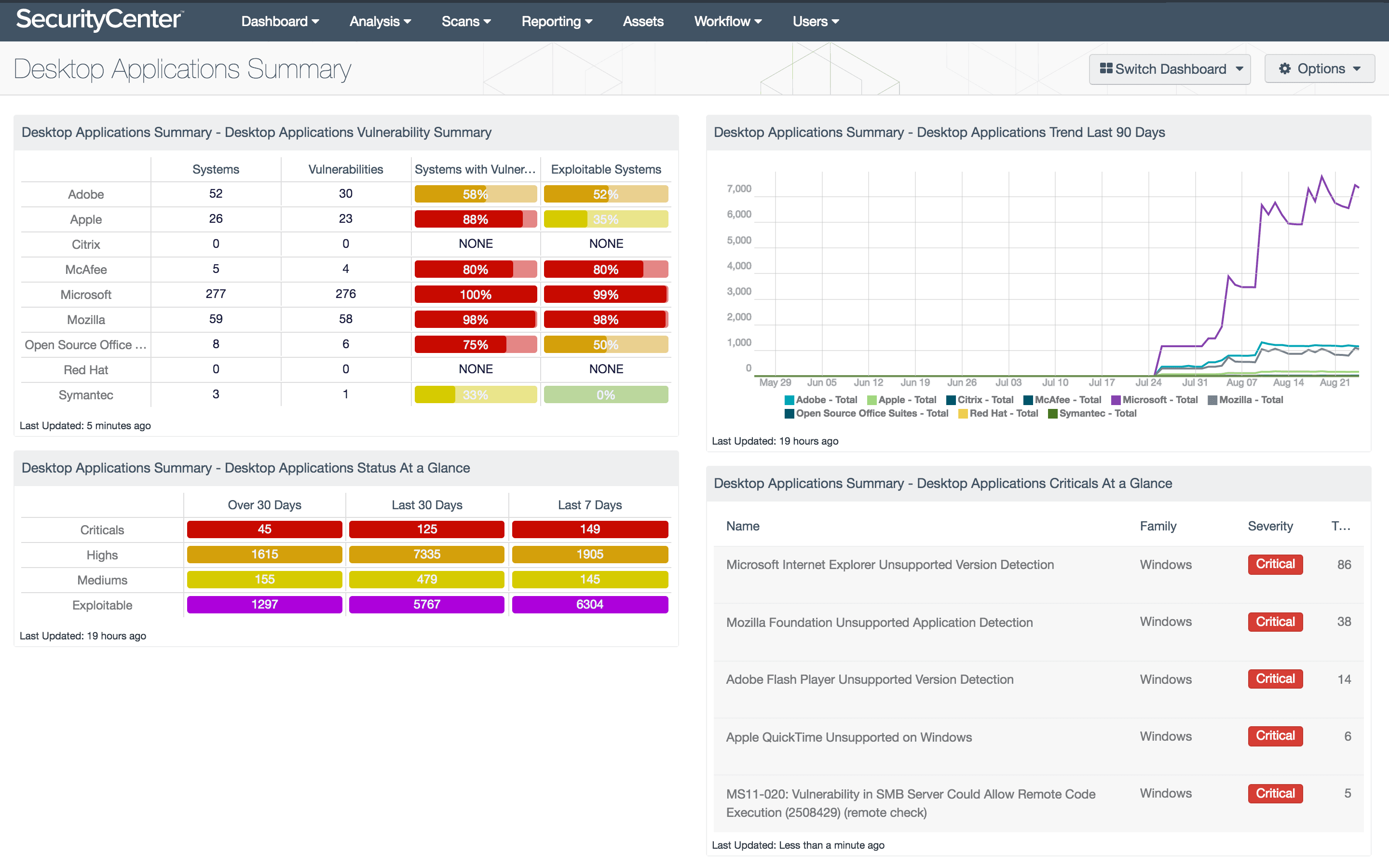
The Tenable built-in action connector reads vulnerability-management data as a workflow step: scans and their results, assets, and vulnerability detail. Every action is a read, so the connector feeds security findings into the process rather than acting inside Tenable.
Why you should connect Tenable to your workflows
Vulnerability data is only useful once someone acts on it, and the handover from scanner to service desk is usually manual: an export, a spreadsheet, a batch of tickets raised by hand. Reading findings into a workflow closes that gap. The process can open remediation work from the scan itself, attach the vulnerability detail to the ticket the engineer picks up, and branch on severity.
Benefits of integrating InvGate Service Management with Tenable
Tenable actions live in the Integrations section of the workflow editor and are available on Pro plans and above. All actions are read-only, so the connector cannot alter your Tenable configuration or scans.
Remediation that starts from the finding
Workflows read scan results directly, so security work is raised from the data instead of an exported list someone processes by hand.
Context the engineer already needs
Vulnerability detail is pulled into the ticket, so whoever picks it up isn't switching to Tenable to understand what they're fixing.
Read-only
Every action is a retrieval. The connector consumes findings without touching your scans, policies, or asset records in Tenable.
Check out InvGate as your ITSM and ITAM solution
30-day free trial - No credit card needed
Clear pricing
No surprises, no hidden fees — just clear, upfront pricing that fits your needs.
Easy migration
Our team ensures your transition to InvGate is fast, smooth, and hassle-free.