
Outlook Calendar
Schedule and clear Outlook events automatically.
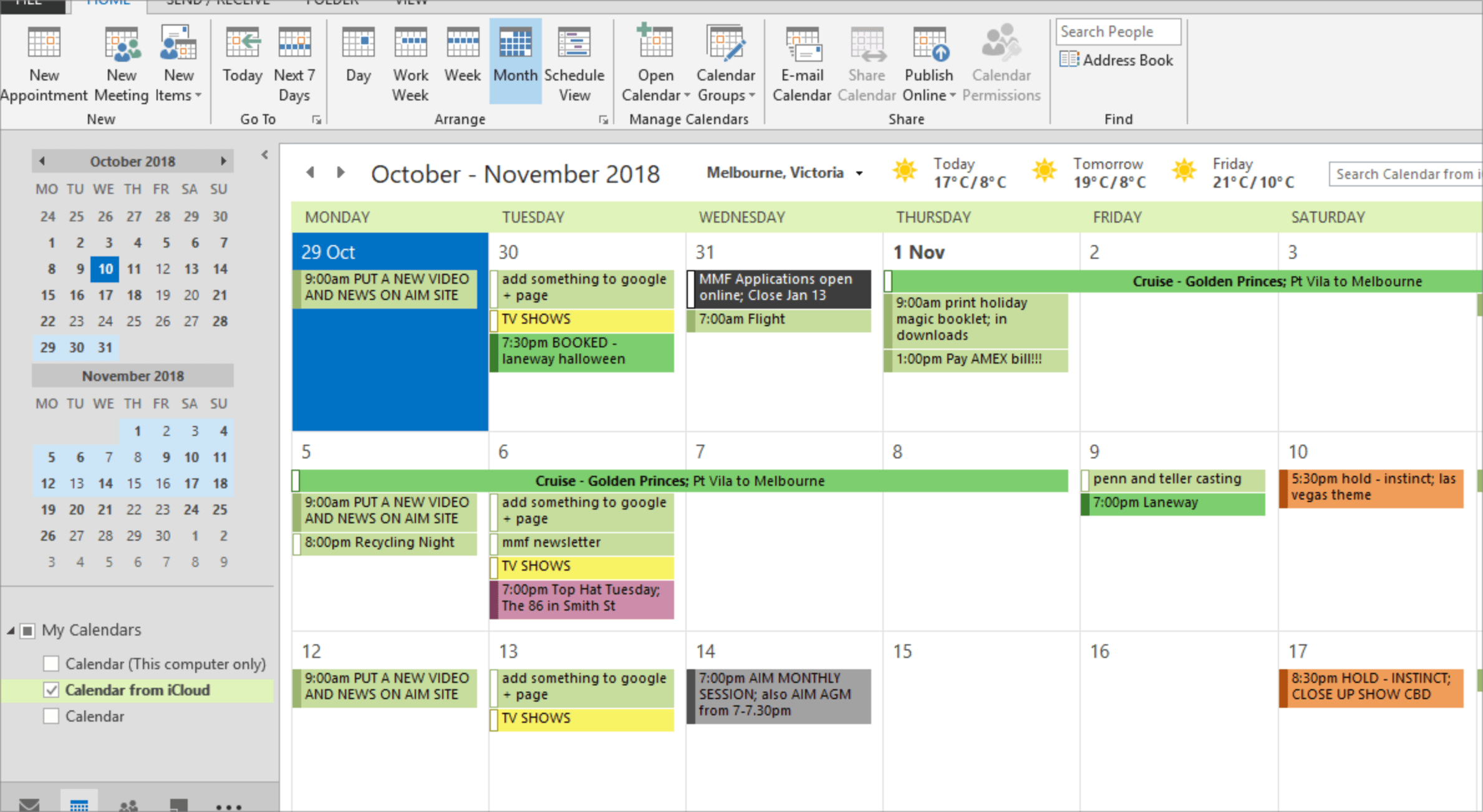
Add Outlook Calendar actions to your InvGate Service Management workflows
The Outlook Calendar built-in action connector turns calendar work into workflow steps. A process can create an event, search for one, or delete it, with details mapped through form fields instead of a hand-built API call against Microsoft's calendar endpoints.
Why you should connect Outlook Calendar to your workflows
Change windows, onboarding sessions, and follow-up reminders all rely on a calendar entry someone has to remember to create. When the workflow owns the event, the schedule tracks the process automatically, and a cancelled request can clear its own entry rather than leaving a stale invitation in place.
Benefits of integrating InvGate Service Management with Outlook Calendar
Outlook Calendar actions live in the Integrations section of the workflow editor and are available on Pro plans and above. Credentials can be shared with the other Microsoft connectors where scopes allow.
Scheduling that follows the process
The event is created at the right stage, so the calendar reflects the real state of the request rather than someone's follow-up.
Nothing left behind
Search and delete sit alongside create, so cancelled requests don't leave orphaned events on people's calendars.
Part of the Microsoft set
Outlook Calendar sits with the other Microsoft connectors in the builder and can reuse the same credential where permission scopes allow.
Check out InvGate as your ITSM and ITAM solution
30-day free trial - No credit card needed
Clear pricing
No surprises, no hidden fees — just clear, upfront pricing that fits your needs.
Easy migration
Our team ensures your transition to InvGate is fast, smooth, and hassle-free.