Microsoft SQL Server
Automatically detect SQL Server database instances across your environment.
InvGate Asset Management + Microsoft SQL Server
SQL Server databases support core business operations, from ERP and CRM systems to internal applications. Tracking them manually is impractical, and missing instances creates compliance gaps and blind spots in impact analysis. Integrating SQL Server discovery with InvGate Asset Management closes that gap.
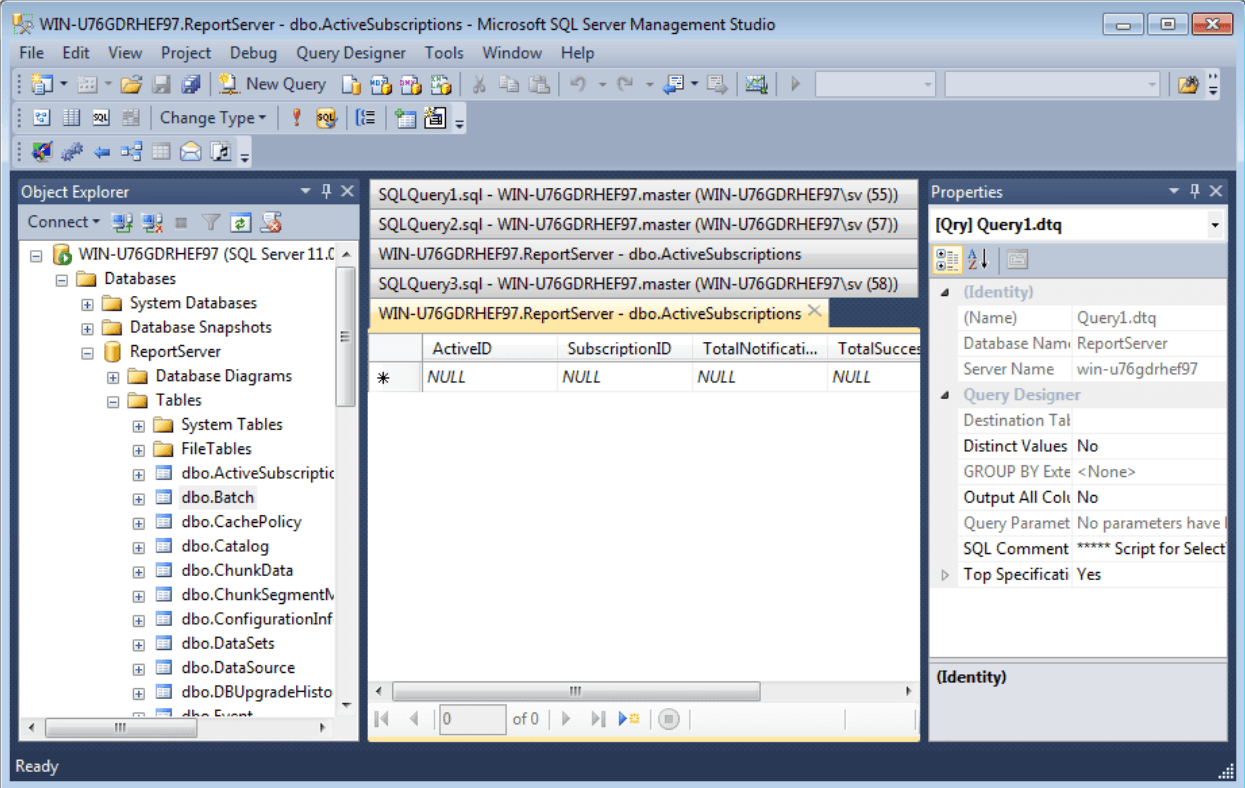
The discovery source scans your environment and detects SQL Server instances. Each discovered database is created and updated as a Configuration Item under the Databases CI family. This reduces manual tracking, supports audit readiness, and gives infrastructure teams a clear view of their database landscape.
How it works
Configure the discovery source under Settings > Network > Discovery Sources > SQL Server, and the system scans your environment on a defined schedule.
Key Features
- Automated Database Discovery: Detect SQL Server instances across your network. Each instance is registered as a CI under the Databases family with key metadata.
- Continuous Synchronization: Database records are updated on each scan cycle, reflecting changes as instances are added, moved, or decommissioned.
- Audit and Compliance Support: Maintain accurate database records for internal audits, licensing reviews, and regulatory requirements.
- CMDB Integration: Link database CIs to dependent applications and services in the CMDB to map dependencies and assess operational impact.
For detailed configuration instructions, please refer to the InvGate Asset Management knowledge base article.
By integrating SQL Server discovery with InvGate Asset Management, teams can track database infrastructure alongside servers, cloud resources, and endpoints in a single inventory. This is essential for organizations that need full visibility into the assets that support critical business services.
Check out InvGate as your ITSM and ITAM solution
30-day free trial - No credit card needed
Clear pricing
No surprises, no hidden fees — just clear, upfront pricing that fits your needs.
Easy migration
Our team ensures your transition to InvGate is fast, smooth, and hassle-free.