
Microsoft Graph
Look up Microsoft identity data inside a workflow.
Add Microsoft Graph actions to your InvGate Service Management workflows
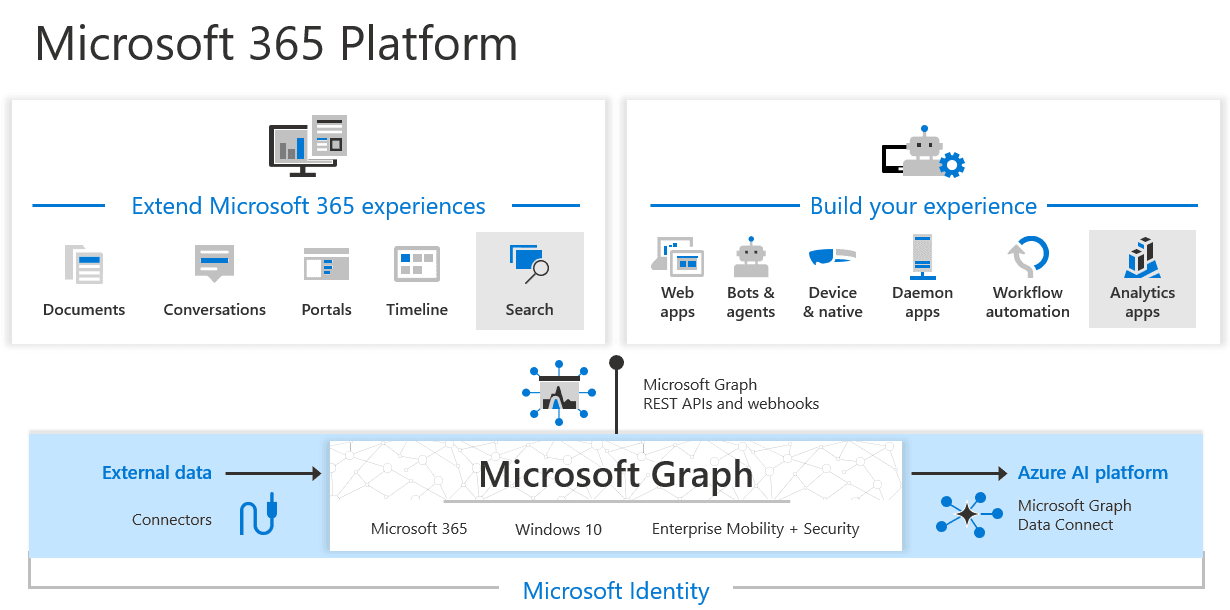
The Microsoft Graph built-in action connector reads user identity data from across the Microsoft ecosystem as a workflow step. A process can retrieve a user by ID or email, or pull a user list, and the values it returns resolve straight into user-type workflow variables.
Why you should connect Microsoft Graph to your workflows
Routing and approval steps need to know who someone is: their manager, their department, whether the account still exists. Without a lookup, that information gets typed into the request by hand and goes stale. Reading it from Graph at the moment the workflow runs means the process acts on current identity data, and because results map directly to user variables, no intermediate parsing step is needed.
Benefits of integrating InvGate Service Management with Microsoft Graph
Microsoft Graph actions live in the Integrations section of the workflow editor and are available on Pro plans and above. Credentials can be shared with the other Microsoft connectors where scopes allow.
Routing on current data
The workflow reads identity at run time, so approvals and assignments follow the org as it is now, not as it was when the form was filled in.
One less step in the flow
Returned values resolve directly into user-type variables, removing the lookup-and-parse step a custom Graph call would need.
Read-only
Every action is a retrieval. The connector reads user identity data without modifying users, groups, or anything else in Microsoft Graph.
Check out InvGate as your ITSM and ITAM solution
30-day free trial - No credit card needed
Clear pricing
No surprises, no hidden fees — just clear, upfront pricing that fits your needs.
Easy migration
Our team ensures your transition to InvGate is fast, smooth, and hassle-free.