
ClickUp
Read ClickUp work status inside a workflow.
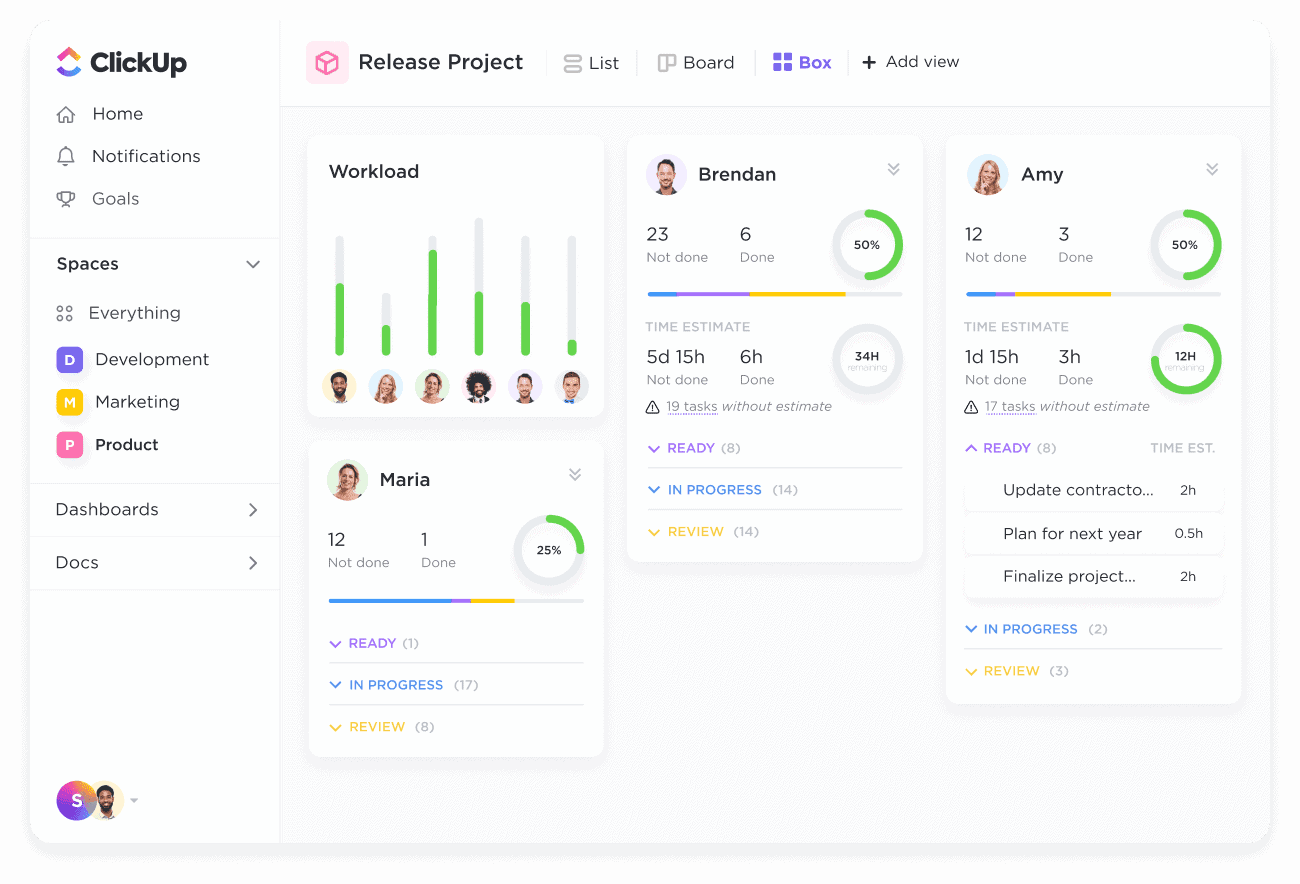
Add ClickUp actions to your InvGate Service Management workflows
The ClickUp built-in action connector exposes the ClickUp hierarchy as workflow-readable data: workspaces, spaces, folders, lists, tasks, filtered task queries, and the members assigned to a task. Every action is a read.
Why you should connect ClickUp to your workflows
A service request that depends on work tracked in ClickUp is blind to that work by default. The process either waits for a person to check, or moves on without knowing. Reading the hierarchy into the workflow lets a step locate the right list or task, read its current state, and see who owns it, then decide what happens next on that basis.
Benefits of integrating InvGate Service Management with ClickUp
ClickUp actions live in the Integrations section of the workflow editor and are available on Pro plans and above. All actions are read-only, so the connector cannot alter your ClickUp workspace.
Find the right work item
Workspace, space, folder, and list actions let a workflow navigate to the specific task it needs instead of relying on an ID someone pasted in.
Ownership when it matters
A process can read who is assigned to a task, so routing and follow-up reach the person actually holding the work.
Read-only
Every action is a retrieval. The connector reads your ClickUp data without modifying tasks, lists, or assignments.
Check out InvGate as your ITSM and ITAM solution
30-day free trial - No credit card needed
Clear pricing
No surprises, no hidden fees — just clear, upfront pricing that fits your needs.
Easy migration
Our team ensures your transition to InvGate is fast, smooth, and hassle-free.